Studio Mastery: The Final Review
The **Studio Review Workspace** is the final layer of refinement. This is where you audit the AI's work, adjust for platform-specific nuances, and orchestrate the final "Go Live" moment.
Multi-Platform Tab Refinement
Kyroxity understands that a post for LinkedIn should not look identical to an Instagram caption. In the Studio Workspace, use the platform tabs to toggle between your connected accounts. You can edit the text for LinkedIn independently of Meta, ensuring your tone of voice is always platform-perfect.
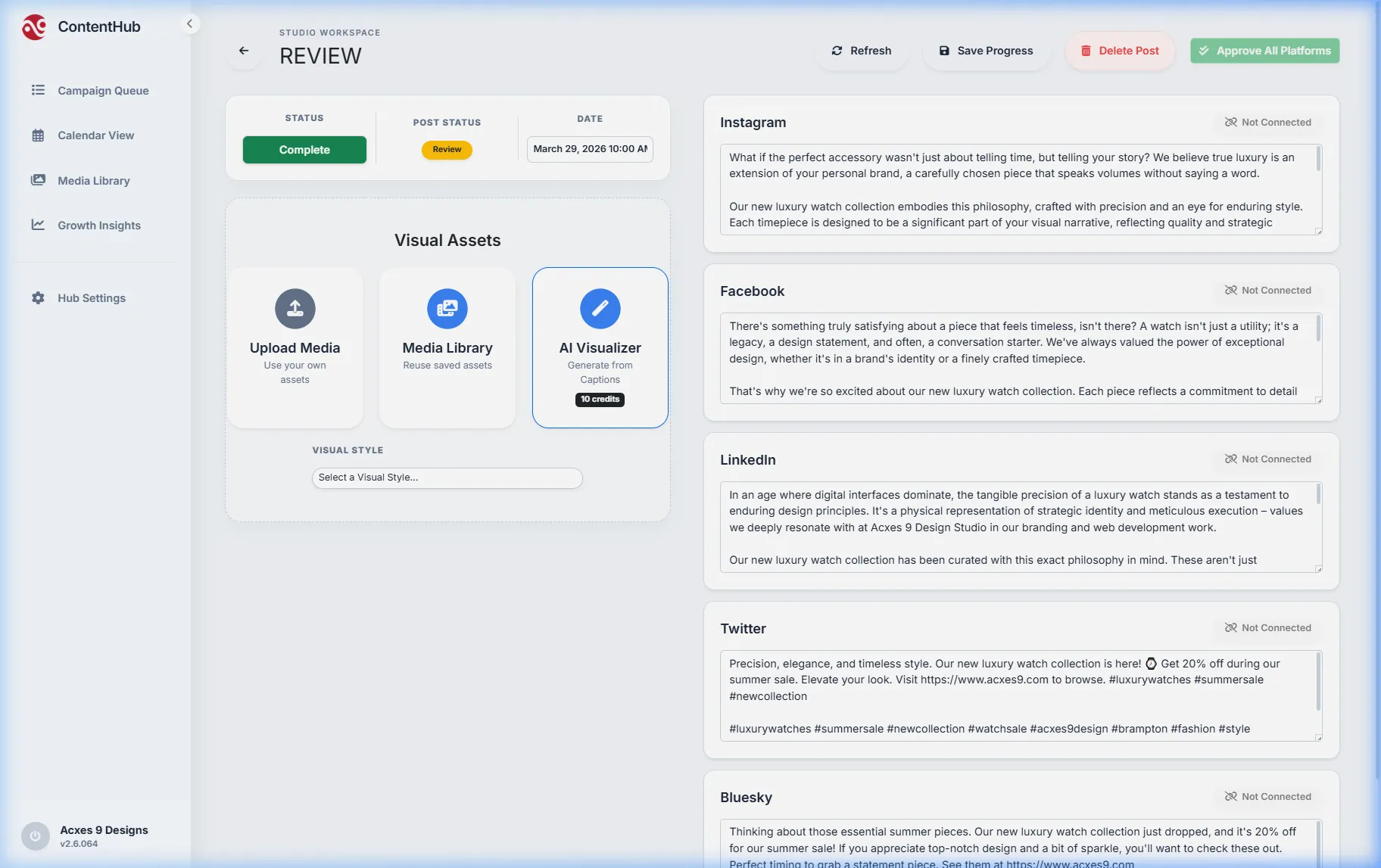
Status Control: Scheduled vs. Draft
Within the Studio, you set the final operational status. A post remains a **Draft** until you are ready to publish. Once you select a Date and Time, you can set the status to **Scheduled**. Once saved, the campaign is locked into your dashboard queue and calendar, ready for automated delivery.
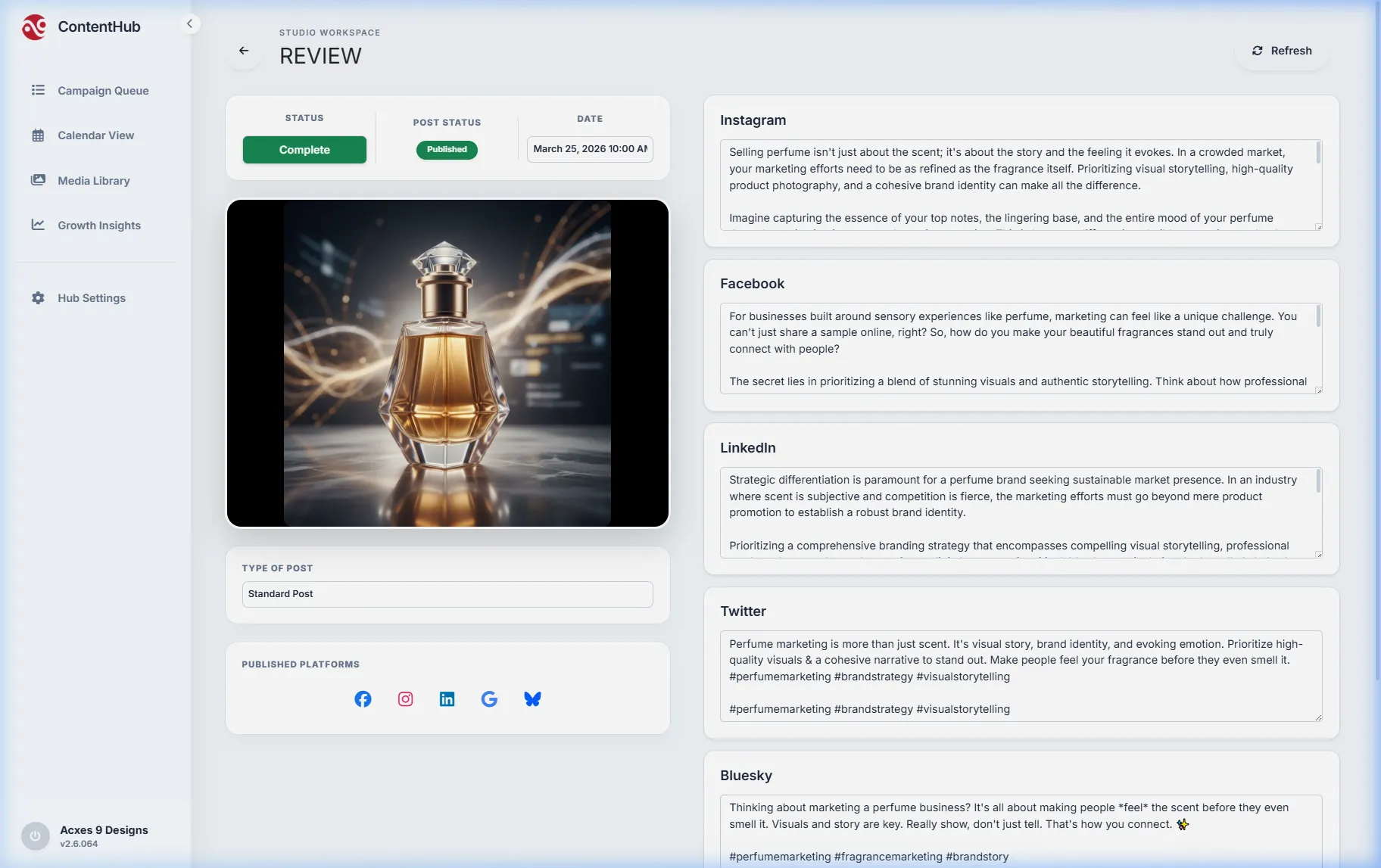
Precision Audit: The Handshake. Before saving, the Studio performs a final operational check, ensuring the API connections are active and the visual assets are high-resolution. This "Handshake" process is what guarantees high-performance, worry-free automation.